

EzTand's future guitar intelligent APP is interconnected and controlled, achieving light guided learning and singing, greatly reducing the learning threshold
APP Download Guide
(Be sure to turn on Bluetooth in advance, some phones require GPS/positioning permission to be turned on)
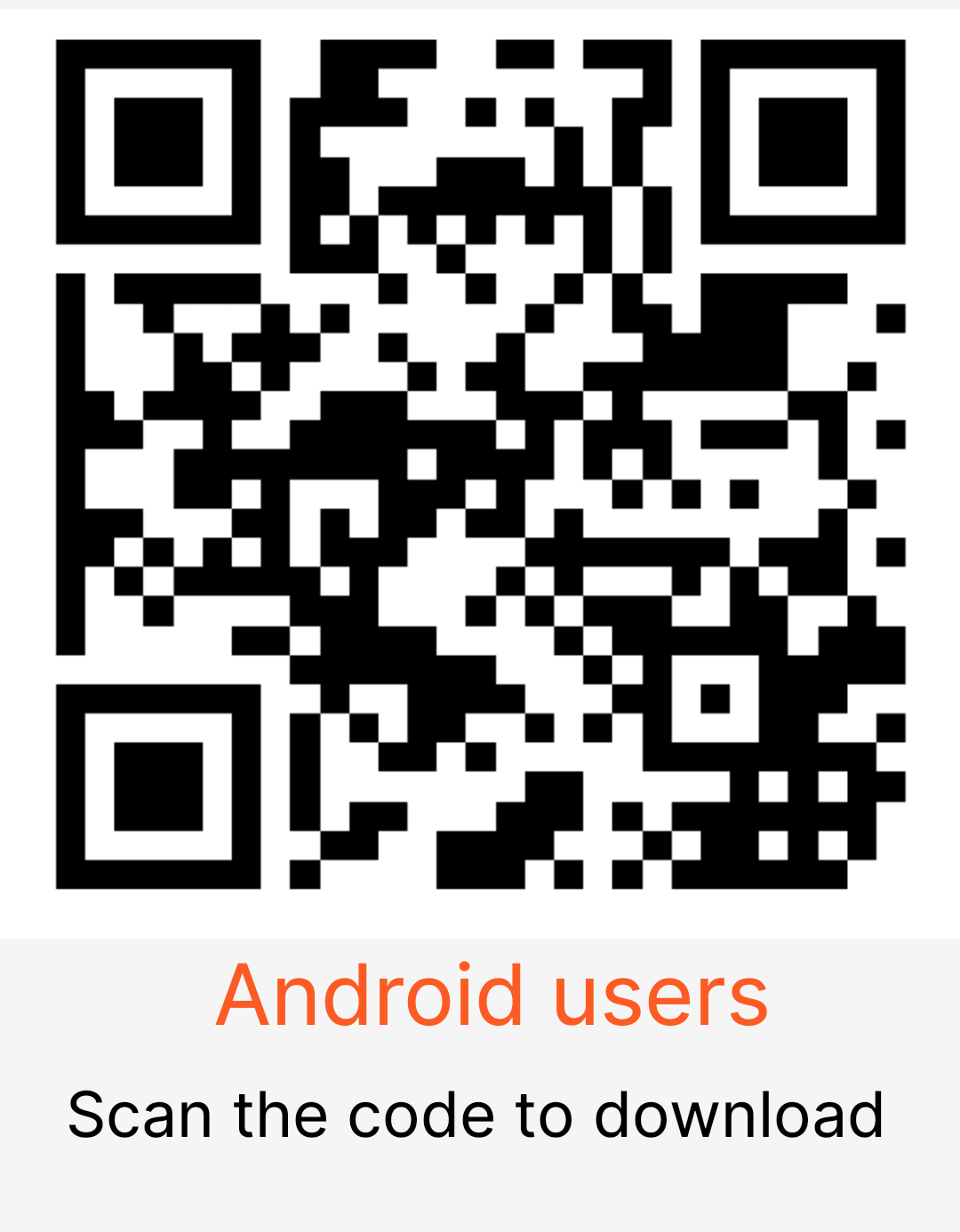
1. After scanning the QR code and downloading on an Android phone, click to install. You need to agree to this installation method and grant the necessary permissions for the authorized app to run
2. Scan the Android QR code on your Huawei phone to download, then click on 'Install' and grant the necessary permissions. If installation is not possible, please temporarily disable 'Pure Mode' in the settings and try again.
3. Scan the QR code on your iPhone or search for "EzTand" in the mobile app store to download and install,
If the Bluetooth connection cannot be established, you can first close the app backend and then reopen the app. The method is as follows:
Firstly, swipe upwards from the bottom of the screen and pause briefly to bring up the backend application interface. Then, in this interface, you can see the preview windows of each open app. Swipe up with your finger to close the preview window of the app you want to close. After closing, reopen the "EzTand" app and click on the top left corner to connect to Bluetooth.
If you encounter any problems, please contact customer service or send an email 13625214255@163.com
服务热线